The short version
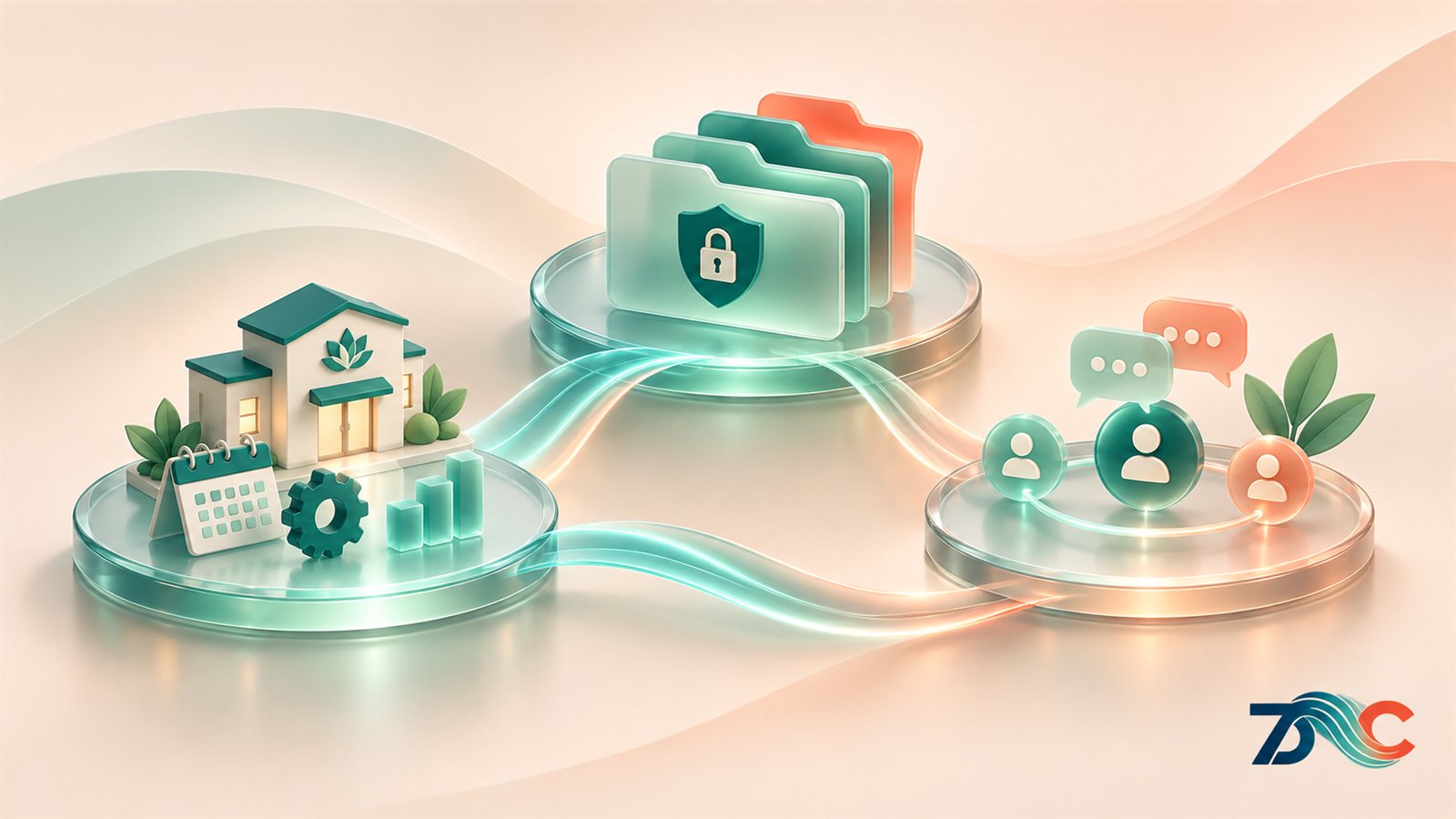
Clinical management is only one part of running a mental health clinic. An integrated ERP, EHR and CRM platform can bring operational work, clinical documentation and client relationships into a more connected environment. The value comes from shaping those capabilities around your clinic’s real processes, then introducing them with clear ownership, training and review.
- ERP supports the organization’s operational processes and teams.
- EHR supports clinical records and treatment documentation.
- CRM supports enquiries, follow-up and client engagement.
Clinic software needs to support the whole organization
A clinic relies on more than appointment calendars and clinical notes. Teams also coordinate enquiries, staff roles, finance, communications, onboarding, reporting and day-to-day decisions. When those activities sit in disconnected tools, staff may need to repeat information, switch screens or rely on manual reminders to keep work moving.
That does not mean every clinic needs one system for every task. A tool can be perfectly useful on its own. The challenge is knowing where work overlaps and whether the way information moves between teams is clear, appropriate and manageable. A platform that brings ERP, EHR and CRM capabilities together offers a way to plan those connections in one ecosystem.
Integration alone does not fix a weak process. Teams still need clear responsibilities, sensible data access, agreed handovers and training. The platform should support that operating model rather than hide the decisions behind a new interface.
ERP: coordinate operations and the work around care
Enterprise resource planning, or ERP, describes software capabilities that support an organization’s operational processes. For a clinic, that may include team administration, scheduling support, invoicing workflows, resources, internal tasks or reporting, depending on the product and configuration.
The practical question is not whether a feature is labelled ERP. It is whether the people responsible for running the clinic can see and manage the work they own. For example, a coordinator may need to hand an enquiry to a team member, track a task or check that a process has reached its next step. A manager may need an operational view that helps them plan capacity. Each workflow should be designed around the organization’s roles and tested with the people who will use it.
EHR: organize clinical records and documentation
An electronic health record, or EHR, supports the digital organization of clinical information and treatment documentation. The clinic should decide which records belong in the system, how they are structured, who may access them and how relevant work is recorded according to its own policies and professional obligations.
Clinical documentation is part of a wider care process. Staff may need to understand what has been recorded, what follow-up is expected and how a handover should happen. An EHR workflow should be shaped with clinical users and reviewed against the way the service operates. If a form or process does not fit the team’s practice, the clinic should review the requirement before simply adding more fields.
CRM: manage enquiries and strengthen follow-up
Customer relationship management, or CRM, helps an organization manage contacts, enquiries and follow-up activity. In a clinic context, that may support the steps between someone contacting the organization and the team responding with appropriate information about its services.
A clear CRM process can help staff see who is responsible for an enquiry, what communication has already taken place and what next step is due. It can also help the clinic review where enquiries come from and whether its follow-up process is working as intended. That information should be handled with care: the clinic must define which details belong in a relationship workflow and which should be held in a clinical record, according to its own policies and responsibilities.
ERP keeps operational work visible
Coordinate internal processes, responsibilities and the administrative work that supports a clinic.
EHR supports clinical documentation
Organize appropriate records and treatment workflows around the clinic’s practice and policies.
CRM supports relationships
Manage enquiries, communication and follow-up with clear ownership and appropriate boundaries.
Why connect ERP, EHR and CRM capabilities?
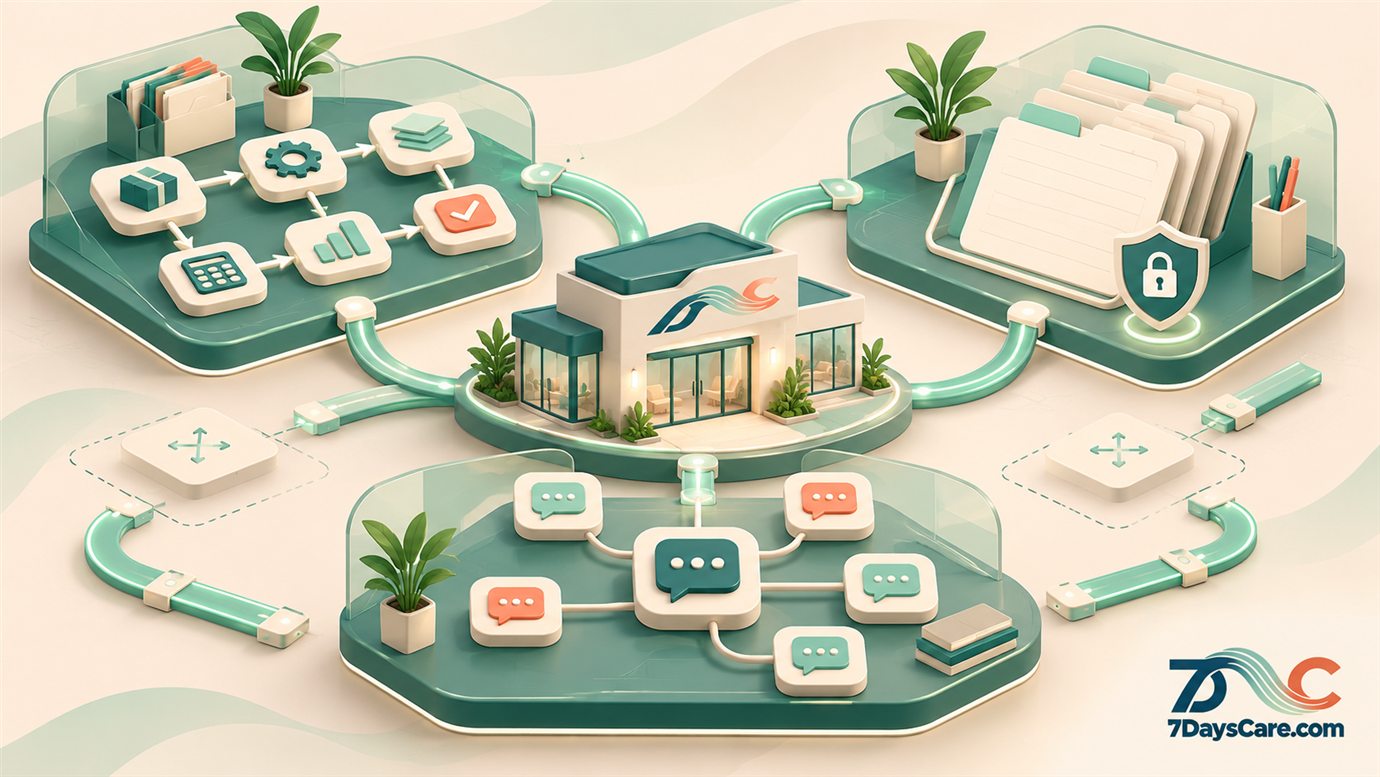
When teams use separate tools, information may need to be entered or checked in more than one place. A connected platform can create a more coherent path between operational work, clinical processes and relationship management. The exact connections depend on the modules selected, the clinic’s configuration and the rules it sets for each kind of information.
Start by mapping the handoffs. Which team receives an enquiry? When does it become a service conversation? What information needs to be visible to a clinician? Which administrative tasks follow an appointment? Who checks that a follow-up has happened? A simple workflow map can reveal where connection would help and where separation is important.
Then test the design with realistic examples. Check that staff can find the information they need without receiving access to information they should not see. Confirm that updates appear in the intended place, that responsibilities are understandable and that the process still works when someone is away. A platform should be evaluated through the work it supports, not just the number of modules it contains.
Your business should adapt the software to its needs
Every clinic has its own structure, service mix, team responsibilities and priorities. “Company DNA” means those practical choices: how the organization receives enquiries, how teams hand work over, what needs to be recorded, and how leaders want to improve the service over time.
Conventional software may come with predefined workflows that fit some organizations well. If they do not fit yours, the first step is to identify why. Is the process unclear? Does the team need training? Could a setting solve the issue? Is an integration needed? Would development make a repeated task safer or easier to manage? Choosing the smallest useful change can prevent a collection of custom features that no one owns.
With a customizable platform, the clinic can consider configuration, integrations and development around its processes. 7DaysCare combines ERP, EHR and CRM capabilities and is based on Odoo ERP 20 Community. Exact modules, rights and support depend on the selected package and applicable licence. Confirm those details before relying on a particular feature or planning future development.
Follow one client journey across the organization
Consider a person who contacts the clinic with a question about its services. The CRM workflow can help the team assign the enquiry and record appropriate communication. If the person chooses to proceed, the organization can follow its own process for onboarding and scheduling. Clinical information is then handled through the clinic’s EHR process, while related administrative tasks are managed by the appropriate operational workflow.
The benefit of planning the journey is that every handoff has an owner. The clinic can decide what information moves between steps, what should remain separate and how the team knows a task is complete.
Customize with a clear plan
Customization works best when it is linked to a concrete need. Start with a short description of the problem, the people affected and the result the clinic wants. A useful proposal might explain that a handoff is being missed, that a report takes too long to prepare or that staff enter the same information twice. That gives the team something specific to assess.
Before changing the platform, compare options. A workflow adjustment or a setting may be enough. An integration may make sense when two systems need to exchange information. Development may be appropriate when the organization has a repeated requirement that cannot be met another way. Each option has costs and maintenance implications.
Keep documentation alongside the configuration. Record who requested the change, who approved it, what it affects, how it was tested and who will maintain it. This helps the organization understand its own system and makes future changes easier to plan. The goal is a platform that reflects the clinic’s way of working while remaining understandable to the people responsible for it.
Introduce the platform in manageable stages
A broad software project can feel overwhelming if every department is asked to change at once. A staged rollout gives the clinic a chance to learn from one workflow before making wider decisions.
Map current work
Document the steps, roles, information and tools involved in one important journey.
Choose a focused starting point
Select a process with clear ownership and a visible reason to improve it.
Configure and test
Build the agreed workflow, check access and data handling, and test realistic cases with staff.
Train and review
Help users understand the new steps, gather feedback and adjust before expanding.
Keep ownership, safety and support visible
Bringing several business capabilities into one platform does not remove the need for good governance. The organization should define who owns each process, which users can access which information, how changes are approved and how the team raises an issue. Clinical and administrative workflows may have different requirements, so review them with the appropriate people in the organization.
Also agree how the platform will be maintained. Identify who manages updates, user access, backups, support requests and configuration changes. If the clinic uses a hosting or implementation provider, document the service scope and escalation route. If an internal team will take responsibility, make sure it has the time, skills and documentation needed to do so.
Review whether the system is helping
Choose a few practical measures before launch. The clinic might review how long a particular handoff takes, how often staff repeat a task, whether enquiries receive the intended follow-up or how confidently users can find the information they need. Avoid tracking activity for its own sake; select measures that relate to the original problem.
Ask users what has become easier and what still feels awkward. Compare the result with the starting point, and check whether a change created new work elsewhere. If the workflow is still confusing, adjust the process, configuration or training rather than assuming the team simply needs to work faster.
Questions to ask when comparing platforms
- Can the platform support the clinic’s operational, clinical and relationship workflows?
- Which modules and integrations are included in the package?
- How can roles and access be configured for different teams?
- What changes can the clinic configure, and what requires development?
- Who will maintain, support and document those changes?
- What are the licence, hosting, data export and handover terms?
Frequently asked questions
What do ERP, EHR and CRM mean for a mental health clinic?
ERP supports operational processes, EHR supports clinical records and treatment documentation, and CRM supports enquiries and relationship follow-up. The exact scope depends on the platform and how the clinic configures it.
Does an integrated platform replace every tool a clinic uses?
Not necessarily. A clinic should map its current tools and decide which capabilities belong in the platform, which need to connect to it and which should remain separate.
Can ERP, EHR and CRM work from one shared platform?
They can be offered as connected capabilities, but the actual workflows depend on available modules, configuration, access rules and the clinic’s operating policies.
How should a clinic customize its software?
Start with a specific process problem, compare configuration, training, integration and development options, then document the change and assign maintenance ownership.
Will ERP, EHR and CRM automatically improve efficiency?
No software can guarantee that. A platform can support clearer workflows, but results depend on good process design, appropriate configuration, staff training and regular review.
What should we check before choosing a platform?
Review functionality, modules, implementation, access controls, licence, hosting, support, data export, customization rights and the responsibilities your organization will retain.
Go beyond clinical management software
Your clinic’s platform can support more than appointments and documentation. Start with the work your teams need to coordinate, then shape an ERP, EHR and CRM environment around those priorities. With clear scope, ownership and support, your systems can evolve alongside the organization.