The short version
SaaS can be a practical way to run clinic operations, especially when you want a provider to manage the hosting. As your team and needs grow, it’s worth checking whether recurring costs, standard workflows and platform limits still fit your plans.
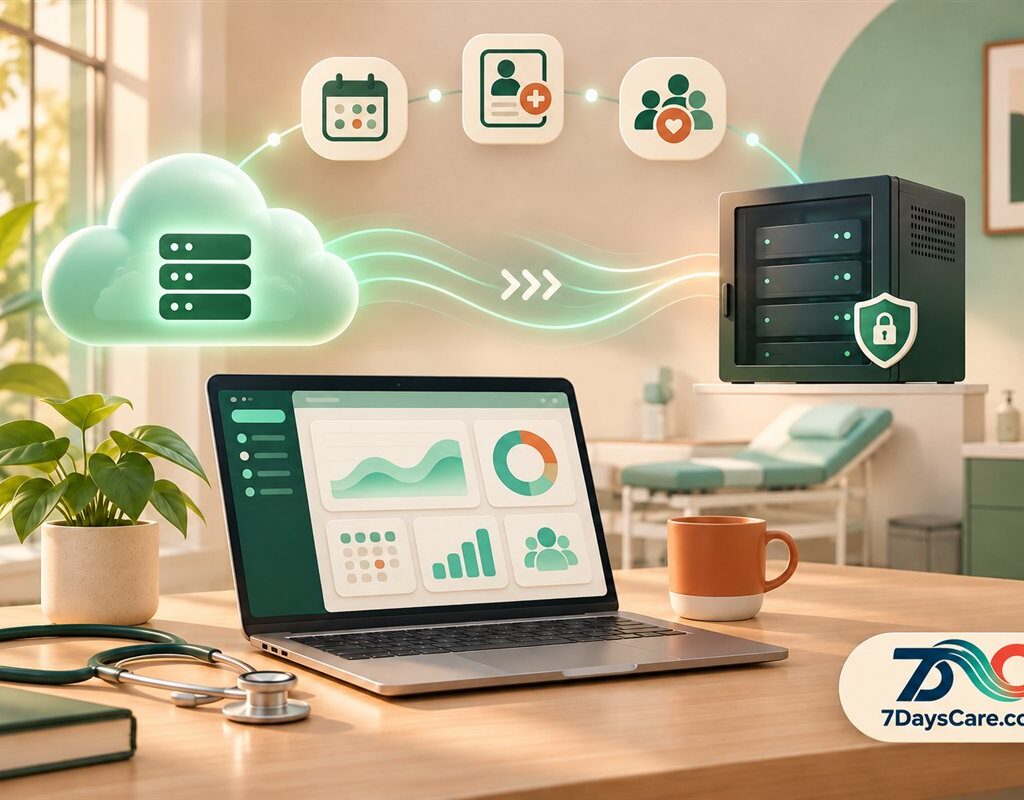
- Hosted SaaS: the provider operates the hosting environment and you use the service under its plan and terms.
- Self-hosted: your organization arranges where the platform runs and who manages it, with more responsibility for ongoing operations.
- Long-term flexibility: configuration and development can support your clinic’s way of working, subject to the software licence and support agreement.
Why clinic software costs can grow with your team
Many clinics and mental health practices begin with a hosted software platform. It can be a straightforward way to get started: choose a plan, set up the team and begin organizing appointments, records and everyday operations.
As the organization grows, the software bill and the work around it can change. Some services charge by user, while others charge for tiers, features or usage. A clinic may add clinicians, coordinators, administrators and managers over time. It may also need new integrations, more detailed reporting or a different way to manage its services.
None of that automatically makes SaaS the wrong choice. A recurring subscription can be worthwhile when the provider’s service and support match what your clinic needs. The useful question is whether the complete cost and operating model still make sense as your organization changes.
When you review clinic software costs, look beyond the monthly line item. Include onboarding, staff training, integrations, paid add-ons, configuration, development and the time your team spends on workarounds. If you might move platforms later, include the effort of exporting information, rebuilding connections and training staff again.
A clear view of those costs helps you compare options without assuming that hosted or self-hosted will always be cheaper.
The renting comparison—and what it leaves out
It can be helpful to compare SaaS with renting a home. You pay to use a service operated by someone else, and the agreement defines what you can change. Your clinic may invest in onboarding, integrations, staff routines and custom features while using that service. If your strategy later changes, some work may need to be adapted or rebuilt elsewhere.
But software is not exactly like a home. Your data, configurations, custom code, licences and support arrangements each have different terms. A hosted subscription does not automatically mean you lose every investment, and self-hosting does not automatically mean you own every part of the platform.
Before committing to either approach, ask what you can export, what rights apply to changes, what happens to custom work if you leave, and whether another provider can support the system. Those details are more useful than a simple “rent versus own” label.
Can standard software make it harder to stand out?
Your clinic’s distinction comes from its expertise, care and the way it supports clients. Software alone does not create that difference. Still, when every organization is expected to follow the same default process, a platform may not reflect the way your team wants to work.
For example, your intake process, team handoffs, follow-up routines or reporting needs may be different from the assumptions built into a standard product. If the system cannot accommodate a useful workflow, staff may create spreadsheets, enter the same information twice or rely on manual reminders. Those workarounds can add friction and make it harder to see how work is progressing.
A configurable platform gives you room to define how the software should support your operating model. That does not mean every detail should be customized. Start with a clear problem, decide what a better process would look like and then choose the simplest change that helps.
What self-hosted clinic software changes
With self-hosted software, your organization arranges for the platform to run in an environment it controls or selects. Depending on the platform and licence, you may have more options for infrastructure, configuration, integrations and development.
That flexibility may be useful when your clinic has requirements that a standard hosted plan cannot meet, or when you want greater say over how the system is operated. It also means your organization needs a plan for the work that comes with running software: updates, backups, monitoring, access controls, security practices and recovery if something goes wrong.
Those responsibilities can sit with an internal technical team or a service provider. Either way, agree who will do the work, how quickly issues will be handled and what is included in the support arrangement. Self-hosting is an operating choice, not simply a different place to store the same subscription.
Cost over time
Compare subscriptions, user or feature fees, implementation, infrastructure and support across the period you expect to use the system.
Control and flexibility
Identify which workflows, integrations and reports your clinic needs to configure or develop.
Ongoing responsibility
Decide who will manage updates, backups, security, access and recovery if the system is unavailable.
Build a technology asset around your clinic
A technology asset is more than code or a server. It includes the platform, the configurations and the working knowledge your organization develops to support its services. When those pieces are documented and governed well, they can help the team keep improving the way it works.
With a customizable ERP, EHR and CRM platform, your clinic can consider how operational processes, clinical workflows and client relationships fit together. You can decide which processes should remain standard, which need configuration and where additional development would make a practical difference.
7DaysCare is based on Odoo ERP 20 Community. Depending on the package and applicable licence, organizations can build internal workflows and plan for configuration or development around their needs. If you are considering a self-hosted deployment, review the licence, included modules, support responsibilities and handover terms before treating the system as a long-term asset.
That distinction matters. The licence determines what you can modify, use or transfer; the support agreement determines who can help maintain the result. Confirm which code, dependencies and documentation are included, and what your team would need to operate the platform or work with another provider.
Plan technology with the people who use it
The best system design starts with the work your staff do each day. Invite clinicians, administrators and operations leads to describe what is smooth, what creates delays and where information gets repeated. Then prioritize improvements based on the time they could save or the service they could support.

Document decisions as you go. A short record of why a workflow changed, who owns it and what it depends on can save time later. It can also make a future transition easier to assess, whether you stay with the same provider or change how the platform is run.
Make a move to self-hosting a planned project
Switching from hosted SaaS to a self-hosted setup takes planning. The work may involve data, permissions, integrations, reports, custom features and staff routines. A phased plan gives your team time to check the important details before daily operations depend on the new environment.
Map what you rely on
List records, forms, reports, integrations and workflows the team uses, including small tasks that are easy to overlook.
Confirm rights and scope
Review what can be exported or modified, what the licence covers and which services or modules need separate terms.
Assign responsibilities
Agree who will operate hosting, apply updates, check backups, manage access and respond to incidents.
Test before the changeover
Check representative records, permissions and routine workflows with the people who will use them. Keep a fallback plan.
What to confirm before choosing
- Total cost: What will setup, recurring service, infrastructure and support cost as the clinic grows?
- Configuration: Which workflows can your team change, and which need paid development?
- Data: What can be exported, and how will a transition be checked?
- Operations: Who is accountable for updates, backups, security and recovery?
- Licence: What code, documentation and modification rights are included?
- Provider choice: Can your own team or another supplier support the deployment under the agreement?
Frequently asked questions
Is SaaS clinic software always more expensive as a clinic grows?
No. Pricing varies by provider and plan. Compare user and feature charges alongside support, integrations, onboarding and the time staff spend on workarounds.
Is self-hosted clinic software always cheaper?
No. Hosting, maintenance, updates, backups, security and technical support all have costs. Compare the full operating model before deciding.
Does self-hosting mean our clinic owns the software?
Not necessarily. Hosting and software rights are separate. Check the applicable licence and contract to understand what you may use, modify, transfer or ask another provider to support.
Can we customize an ERP, EHR and CRM platform?
That depends on the platform, licence, configuration options and technical support available. Start with the workflow you need to improve, then confirm how the change will be maintained.
What should we plan before moving to self-hosting?
Plan data migration, integrations, access, workflows, hosting, backups, updates, security, staff training and ongoing support. Test the setup before changing daily operations over.
Can a clinic start with hosted software and move later?
That depends on the service terms, licence and migration scope. Ask what data and settings can move, what work may need to be rebuilt and how the new setup will be tested.
Choose technology that can grow with your clinic
Hosted SaaS may be a good fit when you want a provider to operate the platform and its standard workflows meet your needs. Self-hosting may be worth exploring when you need more control and are ready to manage the added responsibilities. Start with your clinic’s plans, compare the full costs and make sure the licence and support terms are clear.