
CLINIC OPERATIONS · PRACTICAL GUIDE
Sharing a plan with a client while keeping your own notes private
A practical guide to shared care plans and private clinician notes: why separate documents matter, how to check client access and how to handle record requests.
The short version
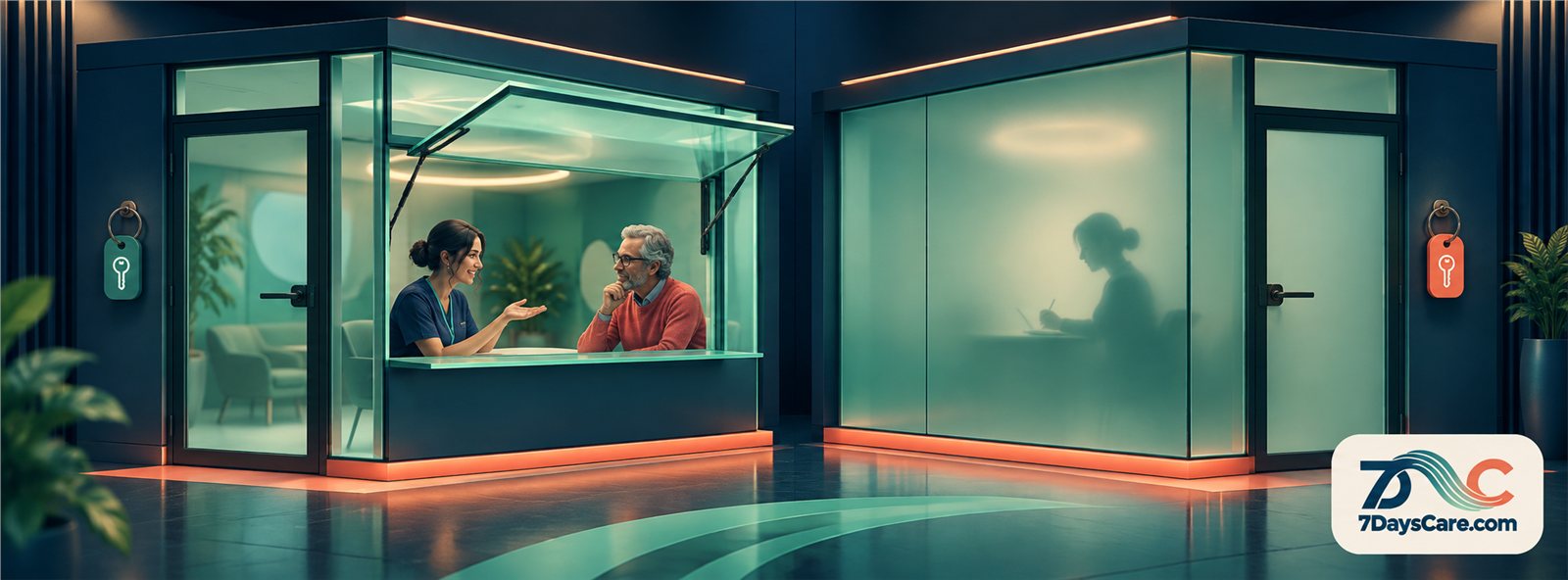
Use one shared plan for agreed goals and a separate private record for clinician notes. Private content should be absent from the shared document, not merely hidden inside it.
- Different audiences need distinct documents.
- Explain the record structure without overpromising privacy.
- Test client access and record requests before relying on the workflow.
Sharing a plan builds trust; leaking notes ends it
A care plan can help a client and clinician keep the work in view. It may describe the goals they have agreed, the next steps and how they will review progress. Sharing that plan can make the work easier to discuss. But a clinician may also keep working notes for their own professional use. Those notes serve a different purpose and need a different boundary.
The distinction is not simply whether a document has a “private” switch. A shared plan should contain the information intended for the client to open. A clinician’s private working notes should not be embedded in the same document and hidden by a display setting. If the information is present in the shared document, a permission mistake or export can reveal it.
A clear design starts with the question: what is this document for, and who is its audience? If the answer differs, keep separate records. The shared plan can use direct language and focus on agreed goals. The clinician’s notes can remain in a separate record with access controlled under the organisation’s policy.
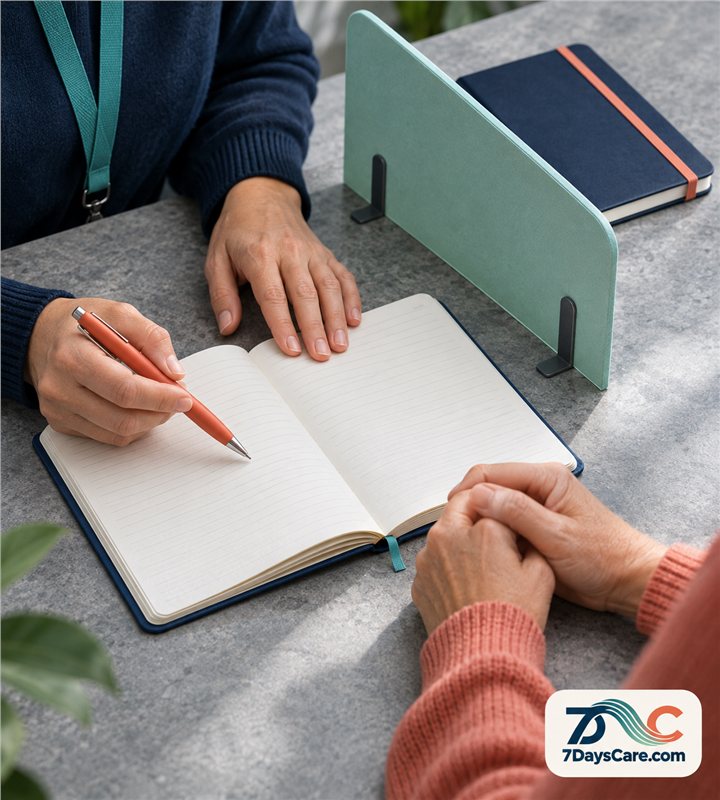
This separation also supports better conversations. A client can read the plan without needing to interpret shorthand written for a clinician. The practitioner can explain what is shared and what is recorded elsewhere. Clarity about the boundary is more trustworthy than a promise that private paragraphs are hidden somewhere in a mixed document.
Hidden is not the same as absent
A document that contains private notes but hides them from one screen is still a document that contains those notes. The content may appear in an export, an accessible version, a printout or a later interface. Access settings can reduce who sees information, but they do not change what is stored inside the record.
Think of a shared plan as a copy intended for a client to open. It should include only the sections that belong in that copy. If the clinician wants private reflections, they belong in a separate sibling record, not in a collapsed section, hidden field or comment that shares the same document container.
This is a data-design choice as much as a user-interface choice. Separate documents can have different purposes and permissions. The shared plan can be presented clearly, while the private record stays outside the client-facing copy. Staff can still see that both records belong to the same care context without blending their contents.
Test the distinction with a real workflow before relying on it. Create a sample shared plan and a separate private note. Open the client-facing version using the client access route, download or print it if those options exist, and check that private text is absent. Do not infer privacy from a lock icon alone; verify the actual document the client can reach.
Two documents for one plan
A practical arrangement is two related documents.
The first is the shared plan: it records the agreed goals, relevant actions and review points in language the client can use.
The second is a private clinician note that records the practitioner’s working observations according to the clinic’s policy. The two documents have separate content and their own access rules.
The shared plan should be written with its reader in mind.
Avoid abbreviations that only the team understands. Make the agreed responsibilities clear and identify what the client can ask about. If a goal changes, update the plan through the normal process and keep the history the organisation requires.
The private sibling is not a place for careless or speculative wording.
Professional standards still apply. A private note should be relevant, proportionate and recorded according to the clinic’s documentation policy. The fact that the client does not open it through the shared-plan route does not remove the practitioner’s responsibilities.
Use a clear relationship between the records.
The clinician should be able to tell which private note belongs with which plan and which version is current. The client-facing copy should not include a private attachment by accident. When the plan changes, make it clear whether the shared document was updated and whether a separate clinical note records the discussion.
What the client sees, line by line
Before sharing a plan, read it as if you were the client seeing it without the session conversation around it.
Can you tell what the goal means?
Is it clear which action belongs to the client and which belongs to the practitioner? Does the wording sound like an agreement or like an instruction that has already been decided?
Review each section for unnecessary clinical shorthand and internal labels.
A client may not know what an abbreviation means or why a category appears. Either explain a term in ordinary language or omit it from the shared version. The private note may use a different format, but it should not leak into the plan through a copied paragraph or attachment.
Check that sensitive information is included only when it belongs in the shared document.
The plan should not become a complete history merely because it is convenient to add every detail. The practitioner should consider purpose, relevance and the clinic’s rules for disclosure and record access.
Invite the client to ask questions or suggest changes.
Sharing is not a one-way action where the client receives a finished document and must accept it.
The clinician can discuss what the plan says, correct unclear wording and make a record of any agreed update.
The client should know how to access the current version and whom to contact if something appears inaccurate.
How 7DaysCare helps
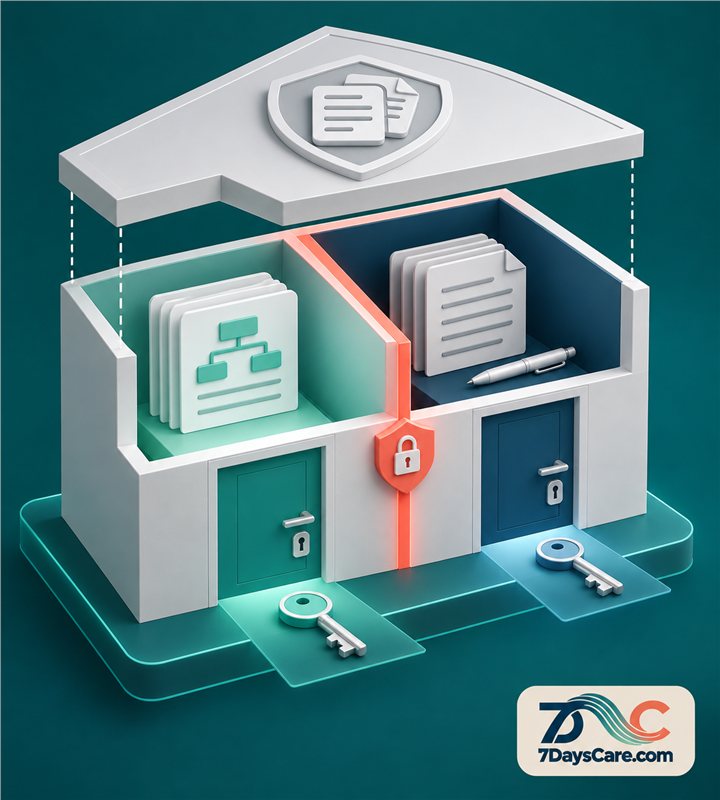
7DaysCare files a plan as two documents: a shared plan that the client may open, and a private sibling containing the clinician’s notes. The private section is absent from the shared document; it is not hidden inside it. Records are closed by default, and every read is logged.
The clinic sets the policy for who may create, edit and share each record. A practitioner starts the plan in the care workflow, writes the client-facing content and records private notes separately. Because the shared and private documents are distinct, staff can check which one is intended for the client rather than relying on a hidden section in one file.
When a client opens the plan, they see the shared document. The clinician’s separate notes are not part of that document. Access starts closed by default, so the organisation must decide which records to share and which users can open them. A read log gives the clinic a record of access events; it does not decide whether a disclosure is appropriate.
Imagine a therapist agrees goals with a client on Tuesday. The therapist prepares the shared plan in plain language and keeps a separate private note for their working record. Before sharing, they check the intended recipient and confirm the client-facing copy contains no private text. Later, if the record is opened, the read event is logged. The team can review the access history under its normal policy.
The honest limit is that software separation does not decide what a client is legally entitled to receive or how a record request should be handled. Rules vary by jurisdiction and circumstance. The clinic must follow its policies and applicable law, review requests carefully, and avoid assuming that “private” means “never disclosable.”
Explore the 7DaysCare feature list to compare the workflows, review pricing, or talk with the team about your clinic’s requirements. You can also explore the platform.
When a client asks for their records
A client may ask to see or receive information held about them. The practice should have a consistent route for acknowledging the request, confirming identity, identifying relevant records and deciding what must be provided under its legal and professional obligations. This article is operational guidance, not legal advice; the clinic should follow the rules that apply where it works.
Separate documents can make the review more orderly. Staff can identify the shared plan and the clinician’s private sibling rather than searching for hidden passages in a mixed file. That separation does not determine the outcome of the request. A qualified person must review what is in scope, what may be withheld or redacted and how the response should be recorded.
Make sure the person handling a request knows how to locate the relevant course and records. Agree who can approve a release and how a copy is delivered. Keep a record of the request, the response date and the documents considered, following the organisation’s retention and access policies.
If the client points out an error, use the clinic’s correction process. Do not quietly alter the original document to remove a difficult conversation or make a past plan look different. A clear record of what changed, why it changed and who made the change protects the integrity of the record and supports an honest response.
Talking to clients about what you keep
Explain the record structure in ordinary language. Tell clients that the shared plan contains the goals and steps you agree together, and that the clinician may also keep separate professional notes. Be clear about who can access each kind of record through the normal service and how a client can ask a question or make a request.
Do not promise that private notes can never be seen. Access rights and disclosure rules depend on the applicable law and circumstances. A more accurate explanation is that the records have different purposes and access settings, and that the practice follows its process when someone asks for a copy.
Ask whether the shared plan is useful. A client may prefer a printed version, a portal copy or a conversation rather than a document. Explain the available choices without suggesting that refusing to open a plan affects care. If the person raises a concern about wording, make time to review it together.
Use consistent language across the team. If one practitioner says the plan is shared and another suggests the whole record is private, clients receive mixed messages. A short staff guide can explain the two documents, who may open them and how a request is handled. Review it when policy or software workflows change.
Check your current set-up
Choose one plan type and follow it from creation to sharing. Identify every place where the plan text is copied, attached or exported. Check whether a client-facing view contains any private notes, hidden comments or clinician-only fields. Make the test with a sample record and a staff account that has the same access route as a client.
Ask who is allowed to read each record and how the organisation learns about access. Confirm that default settings are understood and that staff do not assume every record is automatically available to a client. Review whether the team can tell the shared version from the private sibling at a glance.
Test an update. Change a goal in the shared plan and see whether the record shows the new version without erasing the prior history the clinic needs. Then test a request for a copy and agree who reviews it. If the team cannot explain what it would provide, document the decision path before the next request arrives.
Finally, explain the process to practitioners and clients. A secure system can support a clear boundary, but the clinic’s record policy makes that boundary meaningful. Keep a named owner for permissions and training, and revisit the setup when services, law or access methods change.
Your checklist
- ☐ Define the purpose and audience of each document.
- ☐ Keep private notes absent from the shared plan.
- ☐ Set record access closed by default and explain the clinic’s sharing process.
- ☐ Confirm the client-facing copy and attachments before sharing.
- ☐ Ensure staff know who approves access and record requests.
- ☐ Review a sample export or printout for hidden content.
- ☐ Keep a clear history of changes to a plan.
- ☐ Train staff to explain the two-document arrangement consistently.
Related guides
- Treatment plan templates: a guide to CBT, EMDR and couples plans that start in minutes
- Episodes of care: organising therapy around a course, not a calendar
- Between-session homework that clients actually do
Explore 7DaysCare, see pricing, or contact the team.
Frequently asked questions
Should a private note be hidden inside a shared plan?
No. The private content should be absent from the client-facing document, rather than stored in a hidden section. Separate documents make purpose and audience clearer, though the clinic still needs to apply its access and disclosure policies.
Does a private clinical note mean a client can never see it?
No. Whether information must be disclosed depends on applicable law and the circumstances. The clinic should follow its record-request process and seek appropriate advice where needed. Do not promise that a label alone prevents access.
What does a read log tell the clinic?
A read log records access events for the record. It can help the organisation review who opened information and when, but it does not decide whether access was appropriate or replace a policy for permissions and requests.
How does 7DaysCare separate shared plans and private notes?
The plan is filed as a shared document the client may open and a separate private sibling for clinician notes. The private content is not embedded in the shared document. Records start closed by default and reads are logged.
Make the boundary clear in the record
Separate documents give the shared plan and clinician notes distinct purposes. Review your access rules and test the client-facing copy before using the process with real records.